
What it is
Three time zones meet in every booking: the location's time zone (Settings → Locations), each booking resource's own time zone (Settings → Booking → Advanced), and the time zone saved on the appointment itself. Times only look right when these agree.
How to use it
- Open Settings → Region and check the business time zone, then Settings → Locations and check each location's time zone.
- Open Settings → Booking → Advanced, select Edit on each resource and check its Time zone. A resource with future bookings must have them moved first.
- When booking, check the Time zone next to Start date and time, especially for a customer booking at another site.
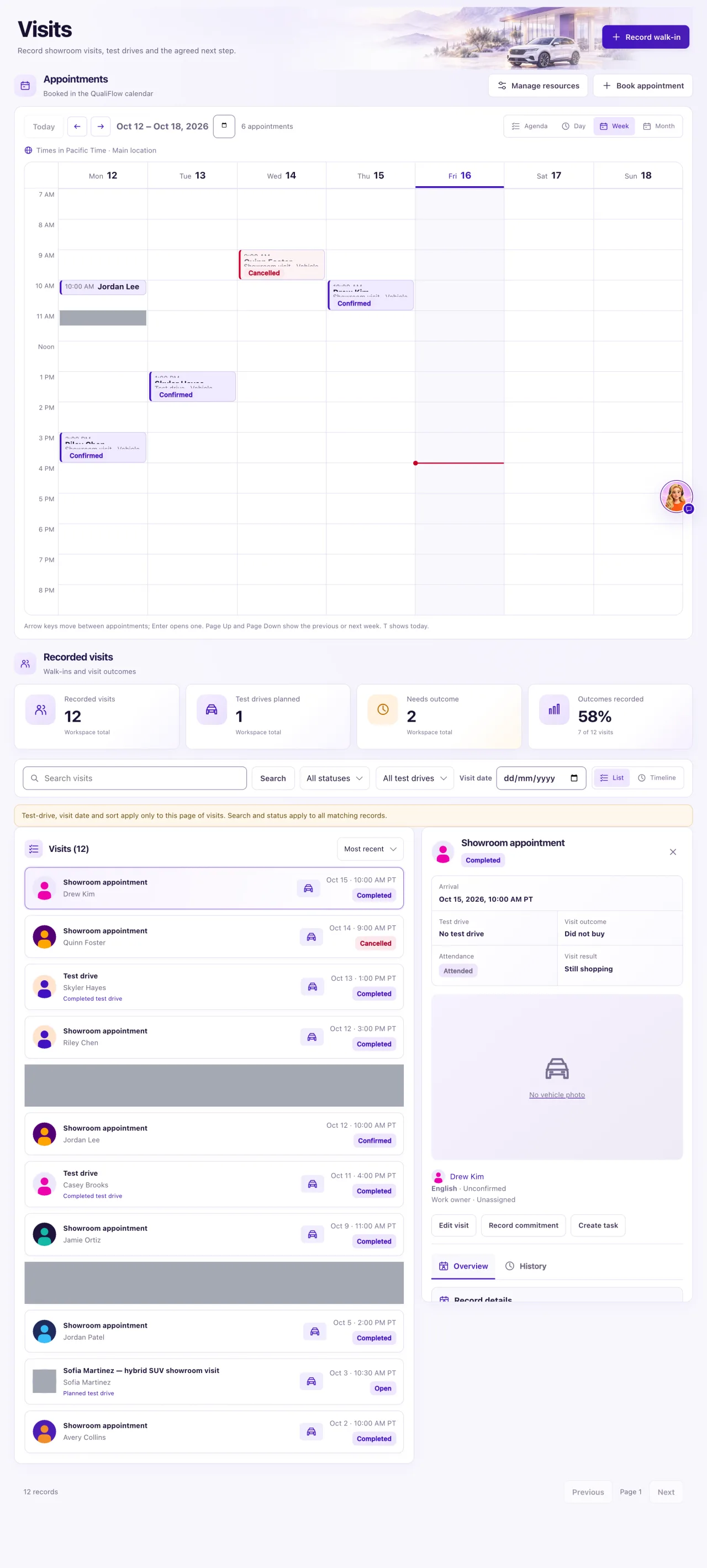
- In Day or Week view, read the line "Times in zone · location" above the grid.
- Reschedule any appointment booked in the wrong zone and tell the customer.
What the data means
Day and Week show times in the selected location's zone. Agenda and Month show each appointment in the zone it was booked in. A location with no time zone shows your browser's zone and says so: set one in Settings → Locations.
Aria books in the time zone of the location resource (then the service bay, the staff member or the vehicle), keeping the time the customer said. A resource saved when no location or business time zone was set started in the zone of the device it was created on; the form warned about it.
Around clock changes the form refuses a time that doesn't exist and asks which one you mean for a repeated hour. Existing appointments keep their zone when you change a resource or a location.
Possible issues and fixes
Aria booked 3 PM but the calendar shows a different time
Symptom: An appointment shows hours away from what the customer agreed.
Why: A resource has the wrong Time zone, or you are looking at Day or Week in a different location's zone.
Fix: Correct each resource's Time zone in Settings → Booking → Advanced (move its future bookings first), then reschedule the affected appointments.
How to check: Find available times lists the local times you expect.
The calendar says the location has no time zone
Symptom: "Location has no time zone set, so times are shown in your browser's time zone."
Why: The location's time zone is empty in Settings.
Fix: Set the time zone in Settings → Locations.
How to check: The Day grid header reads "Times in zone · location" with your zone.
A time is refused around a clock change
Symptom: "This time is skipped when clocks move forward…" or a question about which repeated hour you mean.
Why: That hour doesn't exist, or happens twice, on that date in that zone.
Fix: Choose another time, or choose Earlier or Later.
How to check: The booking saves at the time you meant.
