
What it is
Move my whole number to QualiFlow transfers your number from your phone company to QualiFlow. "Calls and texts move to QualiFlow once your phone company releases the number." Aria then answers them, and the number appears on Phone numbers.
It works for US numbers that aren't toll-free. For a toll-free number, add texting to it instead. Only the workspace Owner can start a transfer.
Every transfer step warns: "Don’t cancel your old phone service until the move is complete." Cancelling first can lose the number.
How to use it
- Open Settings → Connections → SMS & calls → Phone numbers, select Add a phone number, then Move my whole number to QualiFlow.
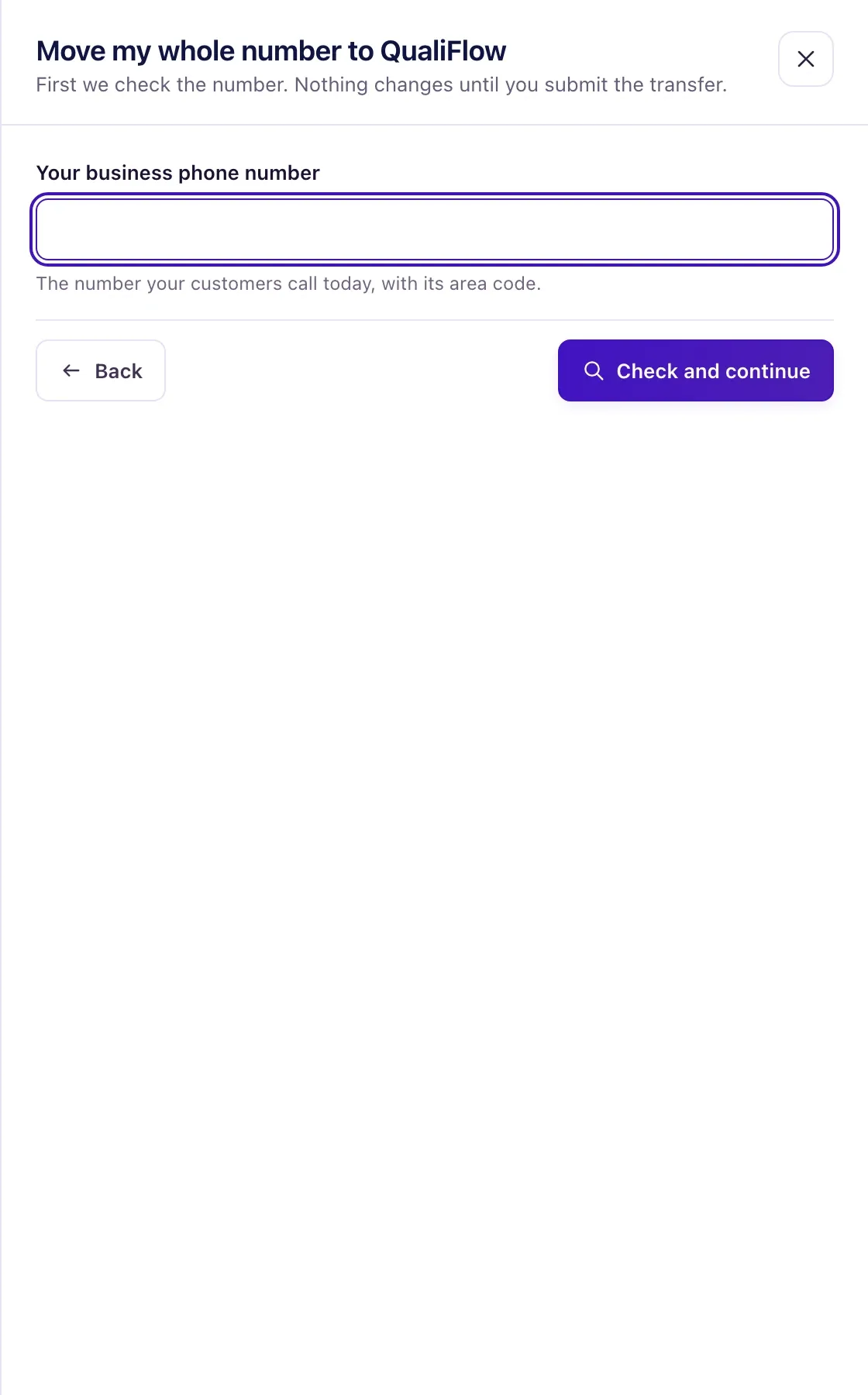
- Enter Your business phone number and select Check and continue.
- Under Your current phone account, enter the Current phone company, the Account number and the Transfer PIN from that company. Mobile numbers always need a PIN.
- Under Account holder and address, enter the name of the account holder or someone allowed to sign, their email, and the service address. Add Name on the phone account (if different) when the bill is in the business's name.
- Under Preferred moving day, choose a Preferred date (optional) at least 7 days ahead, or leave it empty for the first day your phone company allows. Select Save and continue.
- Under Add a recent phone bill, select Add bill and upload the first page with the account details (PDF, JPG or PNG, up to 8 MB).
- On Review and submit, check the details and select Submit transfer. You can also select Finish later.
- The person who signs gets the transfer form by email. They must sign it within 30 days.
- Follow the row on Phone numbers until it shows Moved to QualiFlow. Only then cancel your old phone service.
What the data means
Progress runs: Submitted → Signature → Scheduled for a date → Completed. "Your phone company checks the details and confirms a moving day." Moves usually take one to four weeks.
The row badge shows Not submitted yet, Submitted, Waiting for your signature, In progress, Scheduled for a date, Needs your attention, Moved to QualiFlow, Didn’t go through or Cancelled.
The account number and PIN are kept encrypted. After saving, only the last 4 characters of the account number are shown. The bill is kept in private storage and used only for this transfer.
Possible issues and fixes
"This number can't be moved to QualiFlow"
Symptom: After Check and continue, the page says the number can't be moved, for example "Moving a number to QualiFlow works for US numbers only." or that toll-free numbers can't be moved.
Why: Transfers work for US numbers that aren't toll-free.
Fix: Choose Use my existing number instead, and add texting or forward calls.
How to check: The setup shows on Phone numbers.
The transfer shows "Needs your attention" or "Didn't go through"
Symptom: The transfer row shows Needs your attention or Didn’t go through.
Why: The old phone company refused the details. The name, address, account number and PIN must match its records exactly.
Fix: Open the row and read the step marked as a problem. Correct the details from your phone bill and submit again, or create a ticket in Support if it names the carrier or QualiFlow.
How to check: The row moves on to Scheduled for a date.
I want to stop the transfer
Symptom: You changed your mind after submitting.
Why: A transfer can be cancelled until your phone company schedules it.
Fix: Open the row and select Cancel transfer, then confirm. Once it shows Scheduled for a date, it can't be cancelled here; create a ticket in Support.
How to check: The row shows Cancelled.
